Navigation
Find out where you are from signs, landmarks, the coast and the sky, and what a map, compass and GPS really show you.
DayZ has no minimap and no marker that tells you where you are. You find your way from the world itself, and a map, a compass or a GPS only add to that — how much they add is partly up to your server.
Without a map
You will spend your first hour without a map item more often than not. The world gives you enough to get by.
- Road signs. Junctions and town entrances have signs with the names of the places the road leads to. Follow a road and you reach a town; read the town's name off the sign as you enter.
- The coast. On Chernarus the sea lies to the south and east, so a fresh spawn on the beach knows roughly where it is: walking away from the water leads inland. Livonia has no sea at all, only lakes and rivers. Sakhal is a group of islands with sea all around.
- Landmarks you can see from far away: lighthouses on the coast, castles on hilltops, church towers, radio masts, factory chimneys, airfield towers. Once you know a few of them, you can tell where you are from what is on the horizon.
- Power lines, railways and roads connect towns. Following one is slower than cutting across country, but it always leads somewhere.
The sun and the stars
The sky in DayZ is not painted on: the game draws a real night sky for the map's position and lets the sun move as it would there. That gives you a compass for free.
- In the morning the sun is in the east, around midday in the south, in the evening in the west.
- At night, find the Plough (the Big Dipper) and follow the two stars at the end of its "pan" upwards to the North Star. It sits roughly due north and barely moves.
Clouds and fog take this away, so get your bearing whenever you can see the sky, and pick a landmark in that direction to walk towards.
Map, compass and GPS
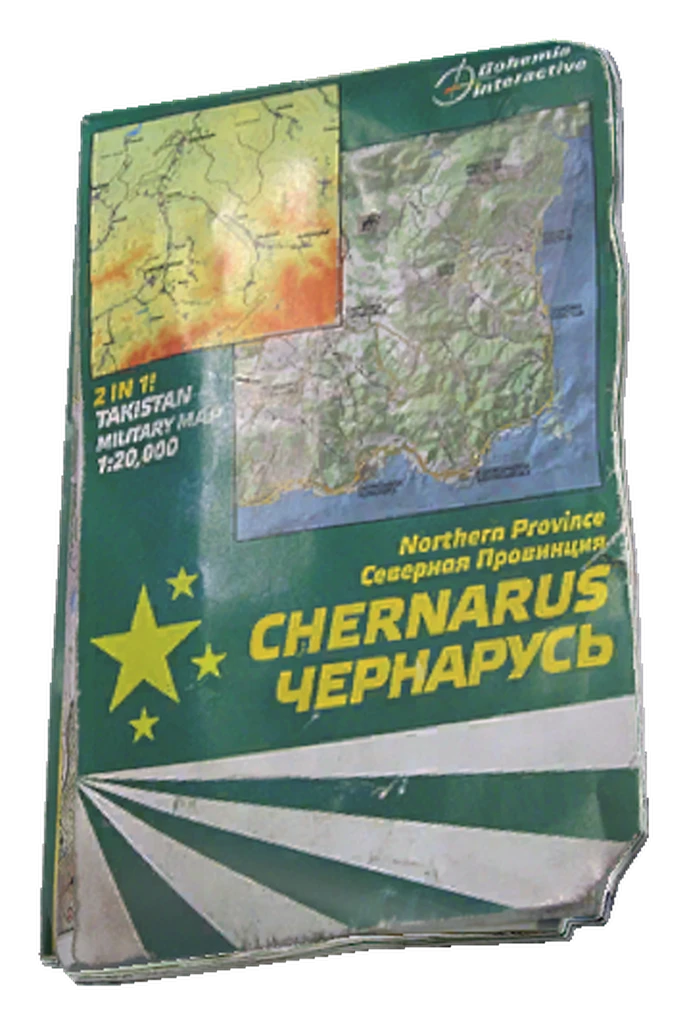 Tourist MapChernarusMap
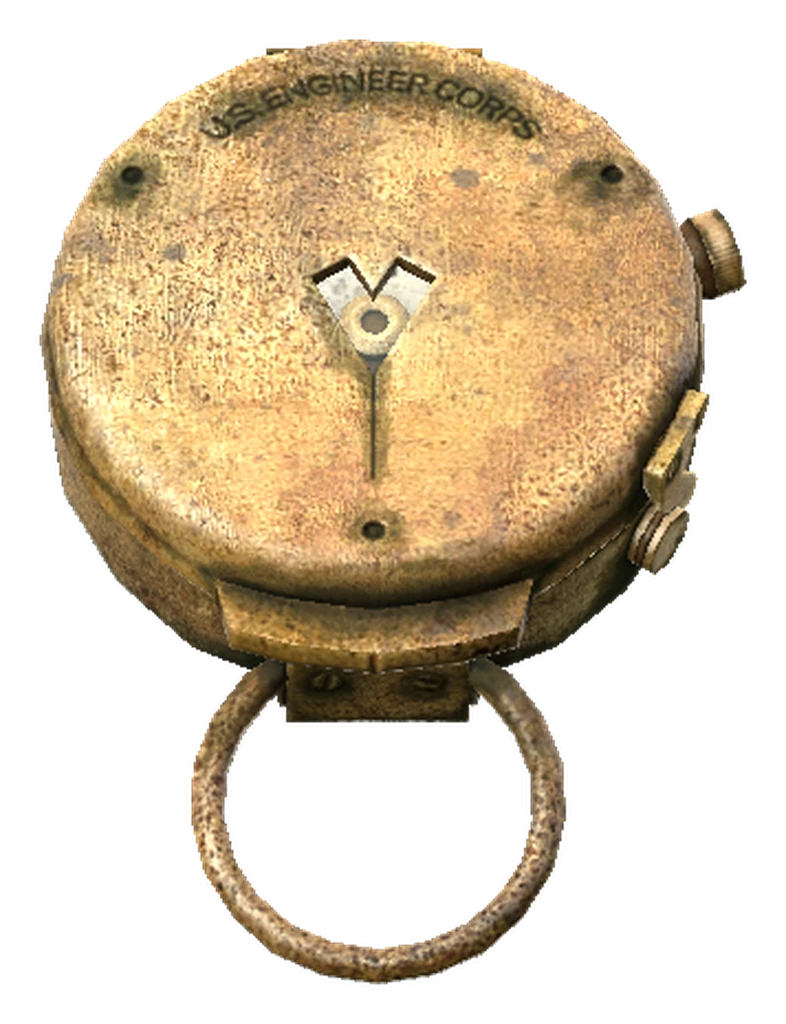 CompassCompass
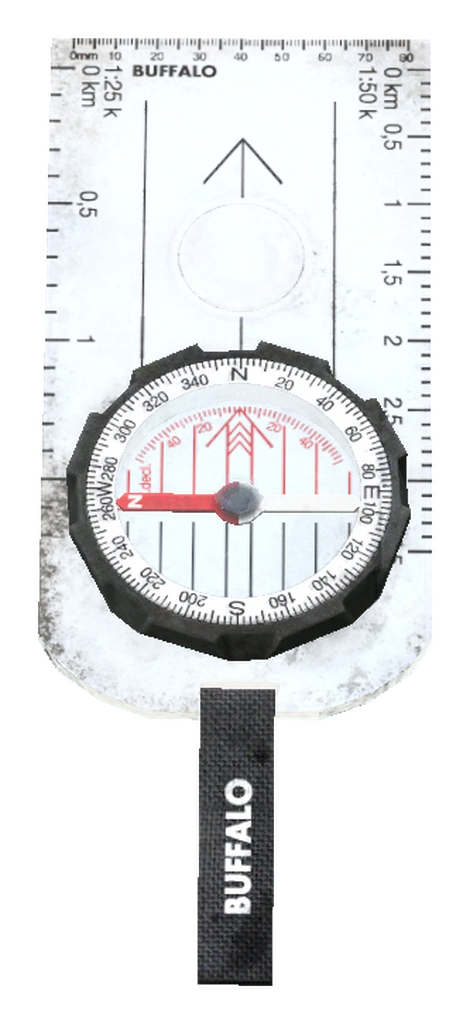 Orienteering CompassOrienteeringCompass
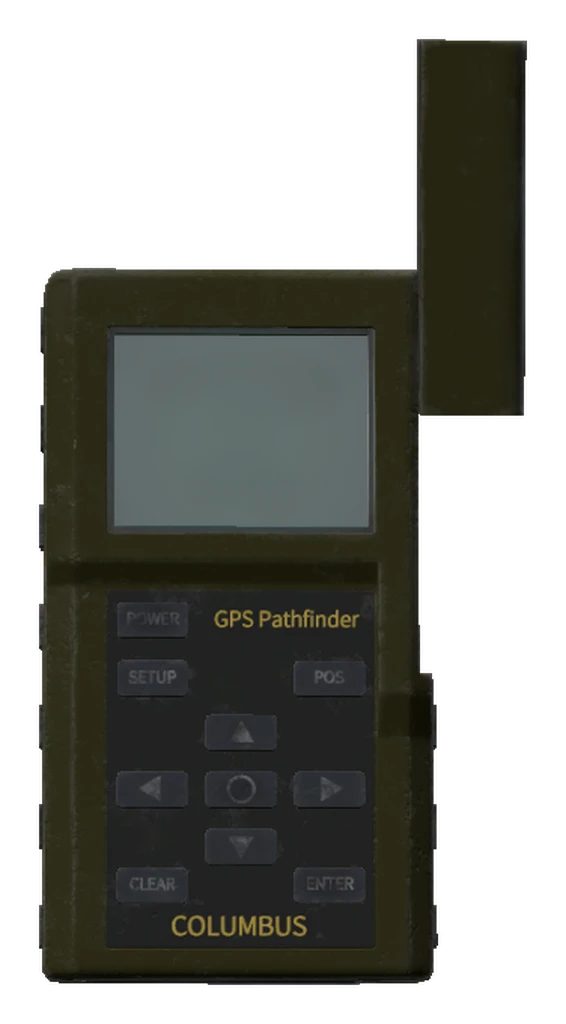 GPS ReceiverGPSReceiver
| Item | What it gives you | What it needs |
|---|---|---|
| Tourist Map | The map of the world you are on — terrain, towns, roads, landmarks. It does not mark where you are. | Nothing; it must not be ruined. |
| Compass or Orienteering Compass | Its needle points north. While you carry one, the map shows the direction you are facing in degrees. | Open the compass before you look at it. A ruined compass no longer counts. |
| GPS Receiver | Your grid coordinates and your altitude in metres, on its own screen and in the corner of the map. | A 9V Battery, and it must be switched on. |
The tourist map is one item for every map: on Livonia it shows Livonia, on Sakhal Sakhal. All four items turn up at hunting spots, among other places — see hunting loot.
Even with a GPS, vanilla does not draw a dot for you on the map: you get the coordinates and have to find them on the map yourself. A Rangefinder helps in between — it measures the distance to whatever you aim it at, up to about 900 metres, so you can tell how far away that church tower really is.
What your server can change
Four things about the map are server settings. In vanilla:
- The map opens only when you have a map item.
- The compass direction and the GPS coordinates on the map need the actual items.
- Your own position is not shown on the map, not even with a GPS.
- Direction and coordinates are shown on the map when you have the items.
Servers can switch any of this — for example a map that opens without an item, or a marker for your own position. The server overview on the wiki's start page shows what your server does.
Planning a route
To plan a trip before you log in, the free dzbot map at map.dzbot.de shows Chernarus, Livonia, Sakhal and Nasdara with their towns, landmarks and a search.